An MSP technician’s workday is a constant rotation between tools. ConnectWise for tickets and contracts. NinjaOne for device status. ITGlue for documentation. Microsoft 365 admin center for user licenses. Sophos for security alerts. Pax8 for subscription management. Each tool holds a piece of the picture, and getting the full picture means opening all of them — often for a single ticket.
That context-switching is more expensive than it looks. It’s not just the time to open each tool and run a search. It’s the cognitive load of maintaining context across multiple interfaces, the risk of missing something because you forgot to check one system, and the reality that junior technicians simply don’t know where to look yet.
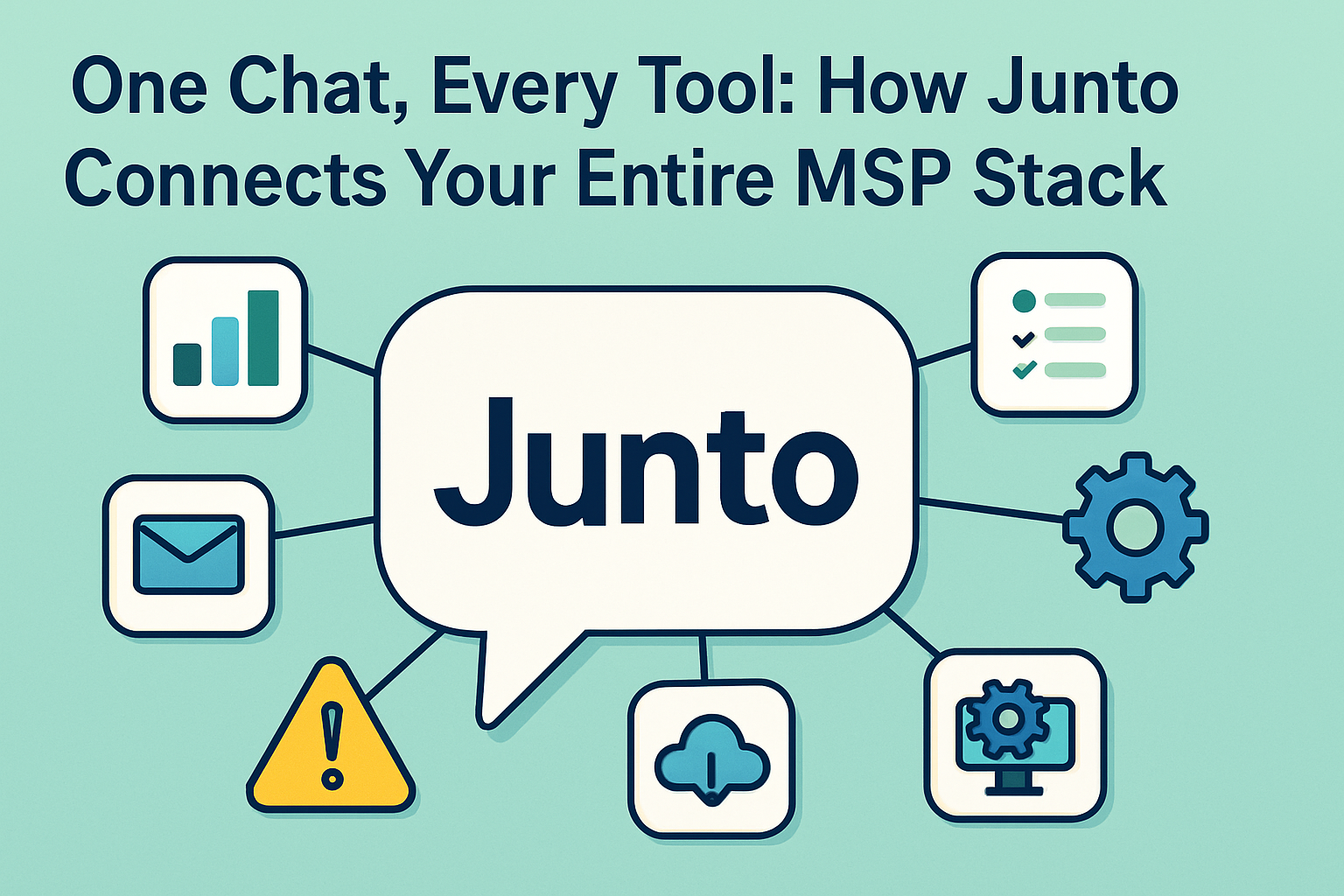
Junto’s General Assistant solves this by connecting your entire MSP stack behind a single conversational interface. Ask a question, get answers from every tool — without leaving the conversation.
Let’s walk through a real scenario. A ticket comes in: “John at Acme Corp says his laptop is running slow and he can’t access the shared drive.”
To handle this properly, a technician needs to:
- ConnectWise — Look up John’s contact record, check Acme Corp’s SLA tier, see if there are related open tickets.
- NinjaOne — Find John’s laptop, check CPU/memory usage, disk space, recent patch history, uptime.
- ITGlue — Search Acme Corp’s documentation for shared drive configuration, known issues, or recent changes.
- Microsoft 365 — Verify John’s account status, check OneDrive/SharePoint permissions, look for license issues.
- ConnectWise (again) — Search historical tickets for Acme’s shared drive issues to see if this is a recurring problem.
That’s five tool switches minimum, each requiring login, navigation, and a search. A senior technician does this in 8-10 minutes. A newer technician who doesn’t have the tool muscle memory might take 15-20.
Now multiply that by 30+ tickets per day across your L1 team.
One Question, Every Source
With Junto’s General Assistant, that same scenario looks like this:
“What’s going on with John at Acme Corp? His laptop is slow and he can’t access the shared drive.”
The General Assistant queries ConnectWise, NinjaOne, ITGlue, and Microsoft 365 simultaneously and returns a consolidated response:
- John’s laptop: 4 years old, 92% disk usage, last patch failed 3 days ago, uptime 47 days
- Acme Corp SLA: Priority response within 2 hours
- ITGlue: Shared drive is mapped via GPO; documentation link with the configuration
- M365: John’s OneDrive is active, SharePoint permissions look normal
- Historical: Two similar tickets from Acme in the past 60 days, both resolved by clearing temp files and remapping the drive
The technician has the full picture in seconds, from a single question. No tool-switching. No wondering if they missed a system. No variance between a senior tech and a new hire.
What the General Assistant Connects
The General Assistant integrates with the core tools in your MSP stack. Here’s what you can query from a single conversation:
ConnectWise PSA
Tickets, contacts, companies, contracts, configurations, time entries, and SLA information. You can ask questions that would normally require multiple PSA searches — “Show me all open critical tickets for clients on our Premium SLA” — and get an instant answer.
NinjaOne / RMM
Device inventory, status, patch compliance, disk usage, installed software, alerts, and remote session history. “Is there anything wrong with the devices at Acme Corp?” returns a prioritized list of issues across their entire fleet.
ITGlue / Documentation
Articles, SOPs, passwords (with appropriate access controls), network diagrams, and client configurations. “What’s Acme’s VPN configuration?” surfaces the relevant ITGlue article without the technician needing to know exactly where it’s stored.
Microsoft 365
User accounts, license assignments, mailbox status, SharePoint permissions, and Azure AD group memberships. “What licenses does John at Acme have?” returns the answer directly — no M365 admin center required.
Sophos / Security
Endpoint protection status, recent alerts, quarantined items, and threat history. “Are there any security alerts for Acme Corp?” queries Sophos and returns active threats, recent detections, and endpoint compliance status.
Pax8
Subscription management, license counts, billing information, and usage data. “How many unused M365 licenses does Acme have?” pulls directly from Pax8 without logging into the portal.
Cross-Integration Queries
The real power isn’t just querying one tool at a time — it’s asking questions that span multiple tools.
“Give me a full health check on Acme Corp.” The General Assistant pulls open tickets from ConnectWise, device alerts from NinjaOne, security status from Sophos, and license utilization from Pax8, then presents a consolidated view of the client’s operational health.
“Who at Acme has had the most tickets this quarter?” ConnectWise provides the ticket data, and the General Assistant correlates it with user information from M365 and device data from NinjaOne to show whether the tickets are user-related, device-related, or infrastructure-related.
“Are we compliant on patch management for our healthcare clients?” The assistant cross-references client tags in ConnectWise with patch compliance data from NinjaOne and documentation requirements from ITGlue.
These are questions that would take a technician 20-30 minutes to answer manually, if they even thought to ask them. With the General Assistant, they take seconds.
What This Means for Your Team
The biggest knowledge gap between a new hire and a veteran isn’t technical skill — it’s knowing where to look. A senior tech knows that Acme’s shared drive is documented in ITGlue, that their devices are in a specific NinjaOne organization, and that their SLA is tracked under a specific ConnectWise agreement. A new hire doesn’t. The General Assistant eliminates that gap by searching everywhere at once.
Dispatch Gets Smarter
Dispatchers can ask the General Assistant for context before routing tickets, ensuring they assign the right technician based on the actual issue — not just the ticket subject line. “What does this ticket actually involve?” returns enriched context that supports better routing decisions.
Account Managers Get Visibility
QBR prep that used to take hours of pulling reports from multiple tools becomes a single conversation. “Summarize Acme Corp’s last quarter — tickets, device health, security posture, and license utilization” gives account managers the data they need without learning every tool in the stack.
The End of the Swivel Chair
MSPs have lived with the “swivel chair” problem for years — spinning between tabs and tools to piece together information. Every attempt to fix it has involved building dashboards or reports that are always slightly out of date and never quite answer the specific question you have right now.
The General Assistant takes a different approach. Instead of pre-building views of your data, it queries your tools in real time to answer the question you’re actually asking. The information is always current, always specific, and always cross-referenced across your entire stack.
Your tools are still your tools. Junto doesn’t replace ConnectWise or NinjaOne or ITGlue. It connects them into a single conversational interface that makes the data in those tools accessible to your entire team, instantly.
Ready to stop swiveling? Connect your MSP stack to Junto and start querying everything from one place. See the integration documentation for supported tools and setup.