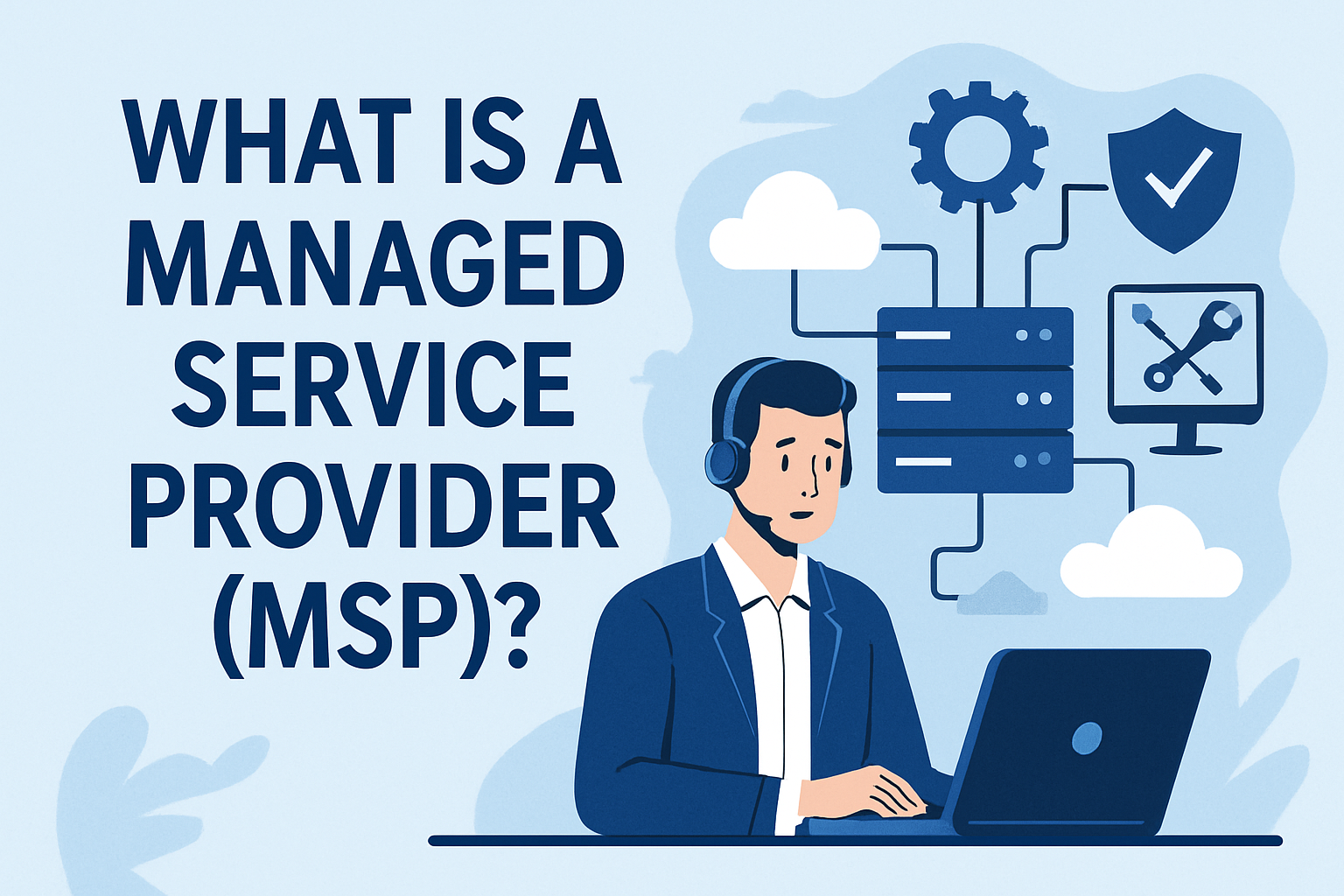
If you’ve ever searched “what is an MSP,” you’ve probably found a dozen definitions that all say roughly the same thing: a managed service provider is a company that remotely manages a customer’s IT infrastructure. That’s technically accurate, but it barely scratches the surface of what modern MSPs actually do.
The MSP model has evolved significantly over the past decade. What started as break-fix IT shops offering basic network monitoring has grown into a mature industry delivering security operations, cloud management, compliance support, and strategic IT planning — all under recurring service agreements. Understanding what an MSP is today means understanding that evolution.
The Core Model: Proactive IT Under a Recurring Contract
The defining characteristic of an MSP is the shift from reactive to proactive. Instead of waiting for something to break and billing for the repair, MSPs monitor and manage systems continuously under a monthly or annual contract.
This model benefits both sides. The business gets predictable IT costs, faster response times, and a team that knows their environment. The MSP gets recurring revenue and the ability to plan capacity. It’s why the model has become the dominant way small and midsize businesses consume IT services.
What MSPs Typically Manage
The scope varies by provider and contract tier, but most MSPs cover some combination of:
- Endpoint management — Deploying, patching, and monitoring desktops, laptops, and mobile devices across the client’s environment.
- Network infrastructure — Firewalls, switches, wireless access points, and VPN configurations.
- Cloud services — Microsoft 365 administration, Azure or AWS management, backup and disaster recovery.
- Security — Antivirus, endpoint detection and response (EDR), email filtering, and security awareness training.
- Help desk — Day-to-day technical support for end users, typically delivered through a ticketing system like ConnectWise or Autotask.
- Compliance and documentation — Maintaining configuration records, audit trails, and documentation for regulatory requirements.
The common thread is that the MSP takes ownership of the client’s IT operations, not just individual incidents.
How MSPs Deliver Services
Behind the scenes, MSPs rely on a stack of professional services automation (PSA) and remote monitoring and management (RMM) tools to operate at scale.
The PSA: Command Center for Service Delivery
The PSA — typically ConnectWise PSA, Datto Autotask, or HaloPSA — is where tickets are created, tracked, and resolved. It’s also where contracts, billing, and SLAs are managed. Everything flows through the PSA: a client emails about a printer issue, a ticket is created, a technician is assigned, and the resolution is logged. Getting more out of your PSA is one of the biggest leverage points for MSP efficiency.
The RMM: Eyes on Every Device
RMM tools like NinjaOne, Datto RMM, or ConnectWise Automate give MSPs visibility into every managed device. They can push patches, run scripts, monitor performance metrics, and receive alerts when something goes wrong — all without touching the physical hardware.
Documentation: The Knowledge Base
Tools like ITGlue, Hudu, or IT Portal store the institutional knowledge that keeps an MSP running: network diagrams, passwords, standard operating procedures, and client-specific configurations. When a technician picks up a ticket for a client they’ve never worked with, documentation is what gets them up to speed.
The Economics of the MSP Model
MSPs typically charge per user, per device, or on a flat monthly fee per client. The specific pricing model varies, but the economics all depend on the same fundamental equation: the MSP needs to deliver reliable service while keeping the cost of delivery below the contract price.
This is where scale matters. An MSP managing 500 endpoints can spread tool costs, training, and overhead across a larger base than one managing 50. But scale also introduces complexity — more tickets, more clients, more context-switching for technicians.
The most successful MSPs find ways to increase efficiency without sacrificing service quality. That might mean better billing and reconciliation processes, tighter documentation practices, or automation that reduces the manual workload on the help desk.
Understanding what your MSP is actually worth often comes down to how well you’ve solved this efficiency equation. Recurring revenue is valuable, but only if the margins support it.
What’s Changing for MSPs in 2026
The MSP model isn’t static. Several trends are reshaping how providers operate and compete.
Security Is No Longer Optional
Every MSP is now, to some degree, a security provider. Clients expect EDR, email security, and incident response as table stakes, not add-ons. This has pushed MSPs to invest in security operations capabilities that would have been considered advanced just a few years ago.
AI Is Entering the Help Desk
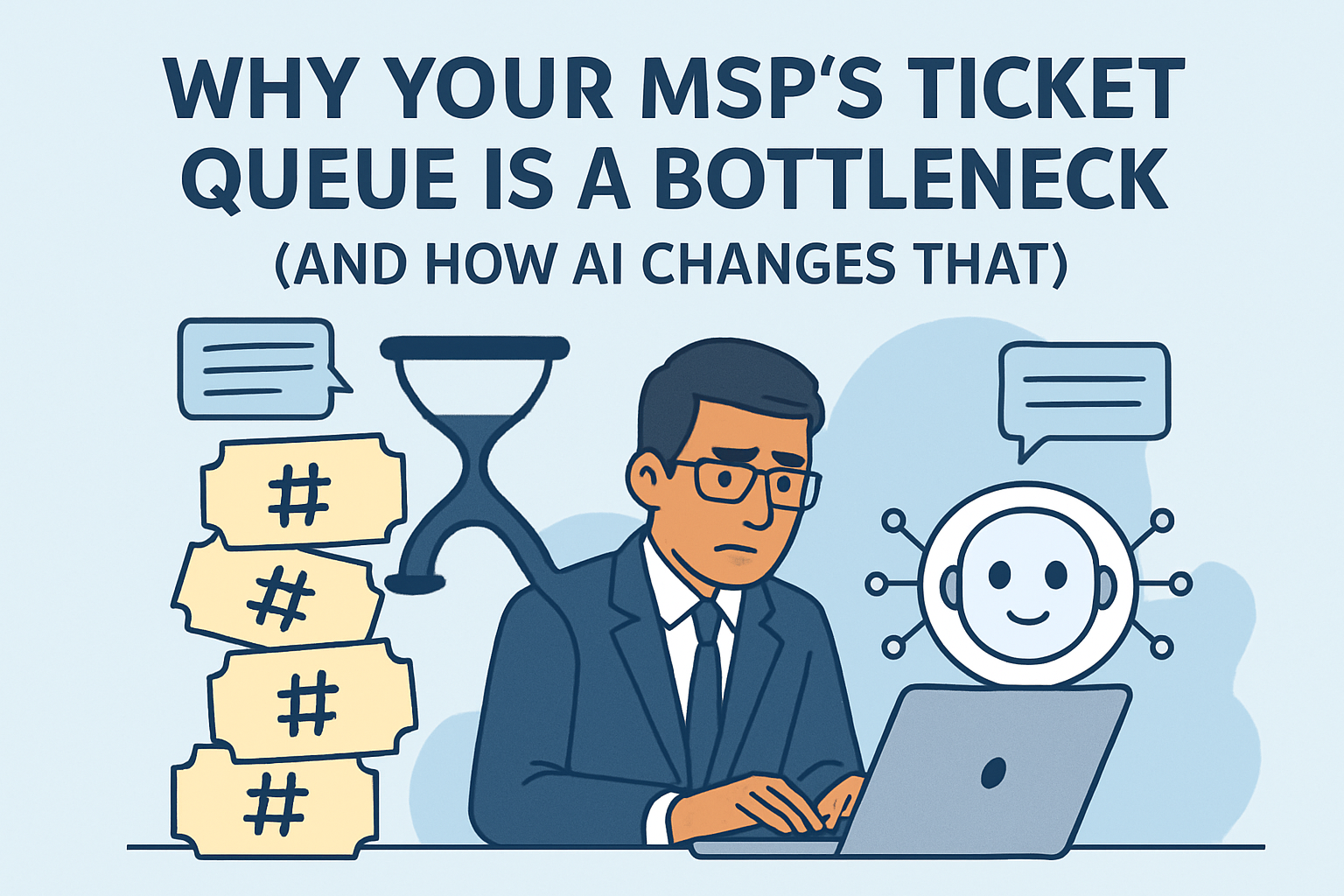
The biggest operational shift happening right now is the introduction of AI into the service delivery workflow. AI tools can handle ticket triage, surface relevant documentation, and automate routine responses — tasks that currently consume a significant portion of technician time.
This doesn’t mean replacing technicians. It means changing what technicians spend their time on. Instead of reading tickets and looking up device records, they review AI-generated context and make decisions. The human expertise stays; the manual research disappears.
Compliance Pressure Is Increasing
Regulations like CMMC, HIPAA, and various state privacy laws are creating new documentation and process requirements for MSPs and their clients. Providers that can demonstrate compliance — and help their clients do the same — have a meaningful competitive advantage.
Consolidation Continues
The MSP industry continues to consolidate through mergers, acquisitions, and private equity investment. Larger platforms are acquiring smaller MSPs to build scale, which is raising the bar for operational maturity across the industry.
Choosing an MSP: What to Look For
If you’re a business evaluating MSPs, the checklist goes beyond “do they answer the phone.” Key factors include:
- Response time SLAs — What are the guaranteed response and resolution times? Are they contractually binding?
- Security posture — What security tools do they deploy? Do they have a documented incident response process?
- Documentation practices — Can they show you how they document your environment? Poor documentation is a red flag.
- Scalability — Can they support your growth? Adding 20 users next quarter shouldn’t require renegotiating the entire contract.
- Technology stack — What PSA, RMM, and security tools do they use? Modern tools generally mean more efficient service delivery.
- References — Talk to their existing clients, particularly ones similar in size and industry to your business.
The MSP Model Works Because It Aligns Incentives
The reason the managed services model has endured — and grown — is that it aligns the interests of the provider and the client. The MSP is incentivized to keep systems running smoothly because problems erode their margins. The client gets predictable costs and a team that’s motivated to prevent issues rather than profit from them.
That alignment is the foundation. Everything else — the tools, the processes, the AI, the compliance frameworks — is built on top of it.
Looking for an MSP platform that brings AI into the help desk without losing the human element? See how Junto works.